


How to Defrost the Side Mirrors in Your GMC [2026]
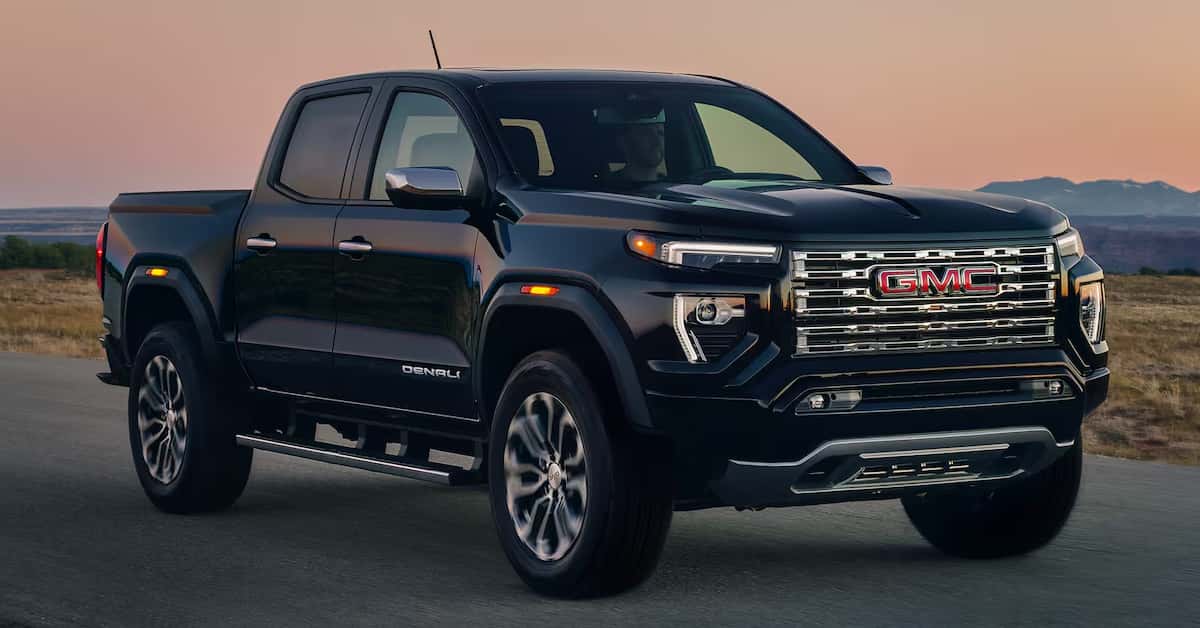
Foggy or frozen mirrors are easy to fix on most 2026 GMC models, thanks to built-in heated mirror technology that activates with the rear defrost, remote start, or Auto-Defrost climate settings. To defrost side mirrors quickly, simply press the rear window defrost button or rely on your vehicle’s automatic systems to warm the glass within minutes. These straightforward steps work across popular GMC models like the Sierra 1500, Canyon, and Terrain.
This technology helps drivers maintain clear visibility and safer travel during cold, wet, or foggy conditions. Whether you’re facing early-morning condensation or unexpected frost, knowing how to use your GMC’s mirror-defrost features ensures confidence behind the wheel. It’s a simple process that can make a meaningful difference in day-to-day driving.
Magic GMC is proud to support drivers throughout Fillmore, Simi Valley, Moorpark, and Santa Paula with dependable sales, service, and parts assistance. Our team is committed to helping you get the most out of your GMC, whether you need guidance on features, routine maintenance, or expert repairs. Contact us or visit Magic GMC today and explore our wide selection of new GMC Models. Let us take care of all your automotive needs.
What is the GMC mirror defrost button and how does it work?
The GMC mirror defrost button helps clear frost, ice, and fog from your side mirrors. Vehicles like the Sierra 1500, Canyon, and Terrain often include this feature. It works with the rear window defrost system, sending heat to the mirrors to melt ice quickly. Knowing how to defrost side mirrors properly keeps your view clear and driving safe. Here’s how the GMC mirror defrost button works step by step:
- Step 1: Start your vehicle – Turn on the ignition or start the engine so the system can operate.
- Step 2: Locate the button – The GMC mirror defrost button is usually near the dashboard or climate control panel.
- Step 3: Identify the symbol – Look for a rectangle with three wavy lines; this indicates the rear defrost and mirror defrost system.
- Step 4: Press the button – Pressing it activates the heated mirrors and rear window. Both begin warming at the same time.
- Step 5: Wait 5–10 minutes – The heating elements melt ice and frost. Check occasionally to see if your mirrors are clear.
- Step 6: Auto shutoff – Most GMC vehicles turn off the mirror defrost automatically after 10–15 minutes to prevent overheating.
Using the GMC mirror defrost button is quick and safe. Drivers in Fillmore, Simi Valley, Moorpark, and Santa Paula can rely on it during frosty mornings. It works well on the Sierra 1500, Canyon, and Terrain, saving time compared to scraping mirrors manually. The system also prevents scratches or damage from harsh tools, making it a practical solution for winter conditions. Step-by-step use of the GMC side mirror defrost ensures your mirrors stay clear and ready for safe driving. By learning how to defrost side mirrors efficiently, you improve visibility and reduce stress on cold, icy mornings.
How to defrost side mirrors manually if my GMC doesn’t have heated mirrors?
Not every GMC vehicle comes with the heated mirror feature. If your Sierra 1500, Canyon, or Terrain doesn’t include the GMC mirror defrost system, you can still clear frost safely. Knowing how to defrost side mirrors manually helps maintain visibility and prevents damage. Follow these steps to defrost your mirrors safely:
- Step 1: Remove loose snow – Gently brush off any snow or ice from the mirrors using a soft brush or cloth.
- Step 2: Apply a de-icing spray – Use a commercial de-icer on the mirror surface. Wait about 30–60 seconds for it to work.
- Step 3: Use lukewarm water if needed – Pour warm (not hot) water over the mirror to melt stubborn frost. Avoid boiling water, which can crack glass.
- Step 4: Scrape gently – Use a plastic ice scraper to remove remaining ice. Avoid metal scrapers to prevent scratches.
- Step 5: Wipe dry – Finish by wiping the mirror with a microfiber cloth to remove moisture and prevent fogging.
Here are a few extra tips to keep in mind:
- Keep the mirrors folded when parked overnight in cold weather to reduce frost buildup.
- Cover mirrors with a plastic bag or mirror sock before frost forms for easier morning clearing.
- Even without the GMC mirror defrost button, these steps work well for Sierra 1500, Canyon, and Terrain owners.
Manual defrosting may take a few extra minutes compared to using the GMC mirror defrost system. However, it is safe, effective, and helps protect your mirrors from damage. Knowing how to defrost side mirrors without heated mirrors ensures clear visibility, even in cold conditions.
What are the best tips to prevent frost on GMC side mirrors?
Keeping your GMC side mirrors clear in cold weather is easier when you take a few simple steps. Whether you drive a Sierra 1500, Canyon, or Terrain, these tips help reduce frost buildup. Using the GMC mirror defrost button is helpful, but preventive measures save time and make mornings less stressful. Here are some ways to prevent frost on your side mirrors:
- Fold your mirrors – When parking, fold the mirrors inward. This reduces exposure to frost and ice.
- Use a mirror cover – Covering the mirrors with a plastic bag or mirror sock at night helps prevent frost from forming.
- Park in a garage or covered area – Keeping your vehicle sheltered protects mirrors and windshield from frost.
- Avoid hot water – Never pour hot water on mirrors. Rapid temperature changes can crack the glass.
- Use the GMC mirror defrost button early – On Sierra 1500, Canyon, and Terrain models with heated mirrors, turn it on when frost starts forming.
Other tips for long-term care include:
- Wiping mirrors dry after use to prevent moisture buildup.
- Checking that the heating elements work if your vehicle has a GMC mirror defrost system.
- Keeping the windshield and mirrors free of debris, which can trap frost and ice.
By following these tips, drivers in Fillmore, Simi Valley, Moorpark, or Santa Paula can reduce the need for manual defrosting. Understanding how to defrost side mirrors and prevent frost improves safety and keeps visibility clear in cold conditions. Using preventive measures with the GMC mirror defrost button makes winter driving faster and easier.
How do GMC side mirror defrost systems differ across Sierra 1500, Canyon, and Terrain?
Not all GMC vehicles have the same side mirror defrost features. The Sierra 1500, Canyon, and Terrain each include the GMC mirror defrost system, but there are small differences. Knowing how these systems vary can help you use them correctly and protect your mirrors. Here’s a closer look at each vehicle: Sierra 1500
- Typically includes heated side mirrors with the rear defrost system.
- Pressing the GMC mirror defrost button warms the mirrors quickly, even in heavy frost.
- Some trims allow automatic mirror heating when defrost is active.
Canyon
- Heated mirrors may be included in higher trims or packages.
- GMC side mirror defrost works with the rear defrost system, but lower trims may need manual clearing.
- Knowing how to defrost side mirrors manually is useful for cold mornings.
Terrain
- Often comes with heated mirrors as standard, making frost removal simple.
- The GMC mirror defrost button activates both mirrors and rear window at once.
- Small mirrors may warm slightly faster due to their size, clearing frost quickly.
Understanding these differences can save time and prevent damage. Drivers in Fillmore, Simi Valley, Moorpark, or Santa Paula should know which system their vehicle has. Using the GMC mirror defrost button efficiently ensures clear visibility and safer driving. Tips for all models include:
- Always check that the heating elements work before frost season.
- Avoid scraping with metal tools to prevent scratches.
- Learn how to defrost side mirrors manually if your trim doesn’t have heated mirrors.
Knowing how each vehicle’s GMC side mirror defrost system works helps keep Sierra 1500, Canyon, and Terrain mirrors clear. This ensures safe driving in frosty or icy conditions.
Why is it important to use GMC mirror defrost safely?
Using the GMC mirror defrost system correctly helps protect your mirrors and keeps you safe on the road. Vehicles like the Sierra 1500, Canyon, and Terrain are built for winter conditions, but misuse can cause damage. Knowing how to defrost side mirrors safely ensures that the heating elements work properly and your glass stays intact. Here are key reasons to use the system safely:
- Prevent damage to mirrors – Avoid sudden temperature changes or harsh tools that can crack or scratch the glass.
- Protect heating elements – Overusing the GMC mirror defrost button can wear out the system faster.
- Maintain clear visibility – Proper use helps you see clearly in cold or foggy conditions.
- Avoid electric issues – Using the defrost system while the car is off may drain the battery in some models.
Tips for safe use on Sierra 1500, Canyon, and Terrain include:
- Press the GMC defrost button only when the engine is on.
- Let the system run its full cycle; most auto-shutoff functions prevent overheating.
- Avoid pouring hot water directly on mirrors, even with the GMC side mirror defrost system active.
Understanding how to use GMC mirror defrost properly ensures your mirrors clear quickly without damage. This makes winter driving safer in areas like Fillmore, Simi Valley, Moorpark, or Santa Paula. By following safe practices, you can rely on the GMC mirror defrost system every cold morning.
Frequently Asked Questions About GMC Defrost and Climate Features
Which GMC vehicles have a defrost feature?
Most recent GMC vehicles, including the Sierra 1500, Canyon, and Terrain, come with heated mirrors and a rear window defrost system.
How do you use the defrost button on a GMC?
Start the engine, locate the rear defrost button on the dashboard or climate control panel, and press it. The heated mirrors and rear window will turn on automatically.
How do you defrost the side mirrors on a GMC?
If equipped, press the GMC mirror defrost button or rear defrost button. The heated mirrors will warm up and melt ice or frost within 5–10 minutes. For vehicles without heated mirrors, manually clear frost using a plastic scraper, de-icing spray, or lukewarm water.
What other climate control feature does GMC have?
GMC vehicles also offer features like heated seats, ventilated seats, and automatic climate control, which help maintain comfort and improve visibility in different weather conditions.
Explore Magic GMC Vehicles
For drivers in Fillmore, Simi Valley, Moorpark, and Santa Paula, Magic GMC has a wide selection of vehicles to suit every need. From the Sierra 1500 to the Canyon and Terrain, there’s a truck or SUV for every lifestyle. Our team can help answer questions about GMC features, from the GMC mirror defrost system to how to enjoy your GMC Sierra truck stereo.
If you want to compare trucks before deciding, check out our guide on GMC Sierra vs Silverado to see how these models stack up. You can also learn more about vehicle performance by exploring our overview of GMC leaf spring function.
Contact us or visit Magic GMC today to learn more about our vehicles and features. Our team is ready to help drivers in Ventura County get the most out of their GMC. Whether you’re interested in comfort, tech, or safety features, we can guide you to the perfect truck or SUV.
Get Directions to Magic GMC
Disclaimer: All information is provided for general informational and entertainment purposes only. While we strive for accuracy, we cannot guarantee that all content is complete, current, or error-free. Any reliance you place on such information is strictly at your own risk. This article may include opinions and is not endorsed by, or officially affiliated with, any vehicle manufacturer or brand. Always consult official sources – such as the vehicle’s owner’s manual, authorized dealerships, or certified professionals – for the most up-to-date and personalized information.
0 comment(s) so far on How to Defrost the Side Mirrors in Your GMC [2026]