


How to Turn On Your GMC’s Truck Bed Lighting
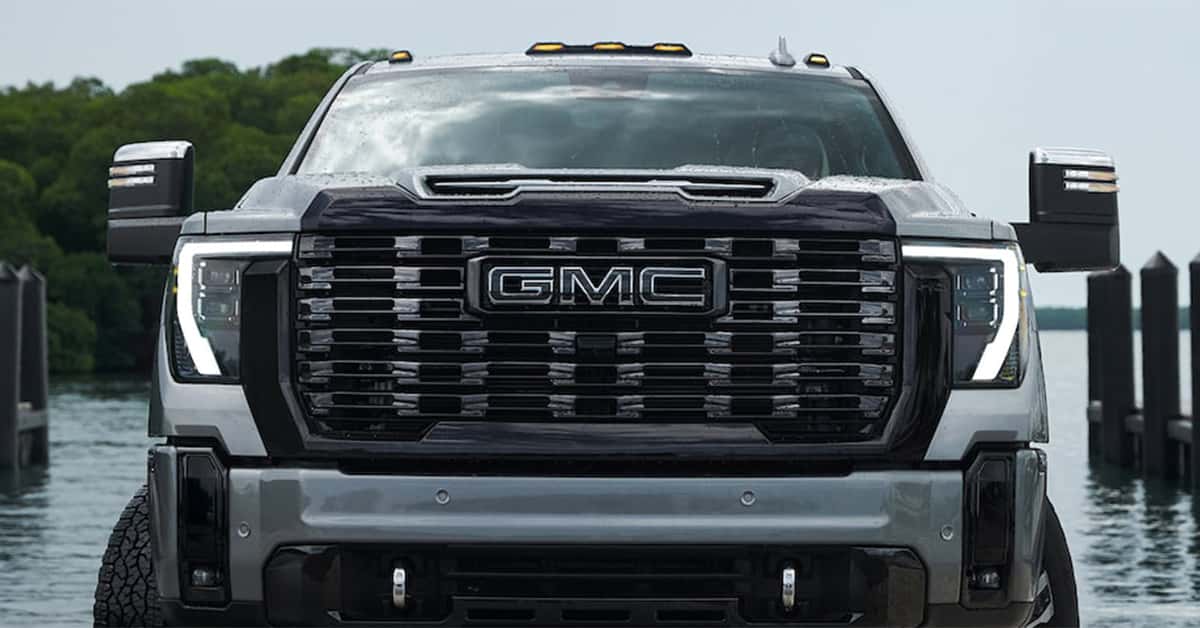
Turning on your GMC’s truck bed lighting is quick and easy once you know the steps. Most 2026 GMC trucks, including the Sierra 1500, Canyon, Sierra 2500, and Sierra EV, feature a simple cargo light switch located on the dash or overhead console. With one press, the bed lamps and related exterior lights illuminate your cargo area, making it easier to see and work at night or in low light.
Understanding how your GM cargo light operation works can make a big difference when you need visibility on the job or during late-night trips. The system is designed for convenience and safety, helping you access tools, gear, or groceries without fumbling in the dark. It’s a small feature that delivers a big boost in usability and confidence every time you use your truck.
At Magic GMC, we’re proud to help drivers from Fillmore, Simi Valley, Moorpark, and Santa Paula make the most of their GMC vehicles. From truck lighting to maintenance, parts, our team is here to serve all your automotive needs. Visit or contact us today to explore our wide selection of new and used vehicles.
Step 1: Locate the cargo-/bed-light switch
Finding the cargo or bed light switch in your GMC is the first step to brightening up your truck bed. Most newer models, such as the Sierra 1500, Canyon, Sierra 2500, and Sierra EV, have a dedicated button for this feature. The switch is easy to spot once you know where to look—it’s often located near your headlight or interior lighting controls. You’ll know it by a small icon that looks like a pickup bed with rays of light.
The GM cargo light operation is designed to be simple and quick. Once you locate the switch, you can easily turn on your Sierra bed lamp or cargo light with a single press. This feature connects with your GMC exterior lighting system, ensuring everything works in sync. It’s a convenient way to keep your truck ready for work or play, even in the dark.
Here are a few common places to check for your cargo light switch:
- Near the headlight control knob on the left side of the steering wheel
- On the overhead console near interior lights in some trims
- Integrated into the lighting control panel on higher-end models
Once you’ve found the button, you’re halfway there. Whether you drive a Sierra 1500 or a powerful Sierra 2500, the setup is built for ease of use. Even in the Sierra EV, the cargo light switch follows the same simple, intuitive design so you can light up your truck bed whenever you need it.
Step 2: Put the vehicle in the correct gear
Before turning on your truck’s bed lights, make sure your vehicle is in the correct gear. GMC designed the cargo light system with safety in mind, so the lights only work when the truck is not in motion. Most models, like the Sierra 1500, Canyon, Sierra 2500, and Sierra EV, allow the lights to turn on when the gear shift is set to Park. Some may also work in Neutral or Reverse. This prevents accidental use while driving and helps protect your truck’s battery.
The GM cargo light operation is part of the broader GMC exterior lighting system, which coordinates with your truck’s sensors and gear settings. When you’re in the right gear, the Sierra bed lamp activates smoothly, giving you clear visibility in your truck bed without delay. If you shift into Drive, the lights will automatically turn off to keep your focus on the road.
Here’s a quick guide to help you remember how it works:
- Park (P): Bed lights turn on when you press the switch.
- Neutral (N): Some models may allow operation in this gear.
- Reverse (R): Lights may turn on to help illuminate behind the truck.
- Drive (D): Bed lights turn off automatically for safety.
Understanding how to turn on GMC truck bed lighting 2025 and newer models begins with this simple step. By putting your vehicle in the correct gear, you ensure the system works just as it was designed—reliable, safe, and ready when you need light most.
Step 3: Press the switch to turn on the lights
Once your truck is in the right gear, it’s time to turn on the lights. Press the cargo light switch to activate the lamps in your truck bed. In most GMC models, like the Sierra 1500, Canyon, Sierra 2500, and Sierra EV, the switch responds right away. You’ll often see a small light on the button or a message on the dash that says “Cargo Lights Enabled.” This quick response means your bed lights are ready for use.
The GM cargo light operation is built for ease and control. A simple press turns the system on, and another press turns it off. This switch connects directly to the GMC exterior lighting system, ensuring your truck’s lighting functions work together. Whether you’re loading tools, camping gear, or supplies, the Sierra bed lamp gives you bright, even light exactly where you need it.
Here’s what you might notice when you press the switch:
- A soft click or light indicator confirming activation.
- A glow from the truck bed lamps and sometimes from mirror-mounted lights.
- An automatic shut-off when you shift out of Park or lock the vehicle.
If you’re learning how to turn on GMC truck bed lighting 2025 or newer, this simple action is key. One quick press gives you instant visibility and lets your GMC do what it was built to do—work smarter, even after the sun goes down.
Step 4: Check for automatic activation
Some GMC trucks can light up the bed automatically, even before you press a button. This feature is part of the advanced GMC exterior lighting system found in many models, including the Sierra 1500, Canyon, Sierra 2500, and Sierra EV. When the right settings are turned on, the lights can activate when you unlock the doors, open the tailgate, or use remote start. It’s a simple way to make sure you always have light when you need it most.
The GM cargo light operation works together with other smart lighting features such as Approach Lighting and Exit Lighting. These systems sense your movements and adjust the lights to match. For example, if you walk up to your truck at night, the Sierra bed lamp may turn on automatically, giving you a clear view of your cargo area.
You can check for automatic light activation in a few easy ways:
- Unlock the truck with the key fob or app and watch for lights in the bed.
- Open or close the tailgate to see if the lights turn on or off.
- Look for lighting settings in the infotainment system or vehicle menu.
If you’re learning how to turn on GMC truck bed lighting 2025 or newer, remember that automatic lighting can make the job effortless. Once set up, your truck handles the rest—keeping the bed bright and ready without a single extra step.
Step 5: Turn them off when done
Once you’ve finished using your truck bed lights, it’s best to turn them off to save power. GMC made this simple, giving you a few easy ways to shut the lights down. In most models like the Sierra 1500, Canyon, Sierra 2500, and Sierra EV, pressing the same switch you used to turn them on will turn them off. Some systems will also shut off the lights automatically once you shift into Drive or lock the vehicle.
The GM cargo light operation is designed to prevent unnecessary battery drain. If you forget to turn the lights off, the system will usually do it for you after a short time. This is part of the smart GMC exterior lighting setup that manages all your truck’s lights for efficiency and safety. It keeps your Sierra bed lamp ready for the next time you need it—without wasting energy.
Here are the main ways to turn off your truck bed lighting:
- Press the switch once to manually shut off the lights.
- Shift into Drive to trigger automatic light shutoff.
- Lock the truck using the key fob or app to power everything down.
Learning how to turn on GMC truck bed lighting 2025 and newer models also means knowing when and how to turn it off. With these simple steps, your lights stay under control, your battery stays healthy, and your truck stays ready for whatever comes next.
Which GMC truck trims come with factory bed lighting as standard vs. optional?
On most recent GMC trucks, including the Sierra 1500, Canyon, and Sierra 2500, factory bed lighting is standard on mid to upper trims such as SLT, AT4, and Denali. Lower trims, like Pro or Elevation, typically offer it as part of an available lighting or convenience package. The Sierra EV also includes bed lighting as a standard feature across all trims.
Is there a switch on the dash or overhead console to control bed lights?
Yes. GMC trucks feature a dedicated cargo light button, usually located on the left side of the dashboard near the headlight controls. In some higher trims, like the Denali, this control may also appear on the overhead console for added convenience.
Do bed lights automatically turn off after a certain time?
Yes. The bed lights will automatically shut off after a few minutes to prevent battery drain. They’ll also turn off if the truck is shifted into Drive or when the vehicle is locked.
Can I upgrade the bulbs to LED or add extra cargo lighting?
Yes. Many GMC models already use LED bed lamps, but owners of older models can upgrade through GMC accessory kits. These kits integrate with the GM cargo light operation system and are designed to work seamlessly with existing GMC exterior lighting controls.
Light Up Your Drive with Magic GMC
If you’re ready to get the most from your GMC truck, Magic GMC is here to help. We’re proud to serve drivers from Fillmore, Simi Valley, Moorpark, and Santa Paula. Our team can show you how to use every feature, from your truck’s bed lighting to its advanced towing systems.
Browse our wide selection of new and used GMC models today. We carry popular options like the Sierra 1500, Canyon, Sierra 2500, and the all-electric Sierra EV. Each model is built to handle work, weekend trips, and everything in between.
Visit Magic GMC or contact us online to learn more. We make it easy to find the right GMC for your needs. Experience friendly service, simple answers, and the Magic GMC difference today.
Get Directions to Magic GMC
Disclaimer: All information is provided for general informational and entertainment purposes only. While we strive for accuracy, we cannot guarantee that all content is complete, current, or error-free. Any reliance you place on such information is strictly at your own risk. This article may include opinions and is not endorsed by, or officially affiliated with, any vehicle manufacturer or brand. Always consult official sources – such as the vehicle’s owner’s manual, authorized dealerships, or certified professionals – for the most up-to-date and personalized information.
0 comment(s) so far on How to Turn On Your GMC’s Truck Bed Lighting